ICAI SSP Portal: Login, Student Registration, Articleship Services, Password Reset and Complete Guide
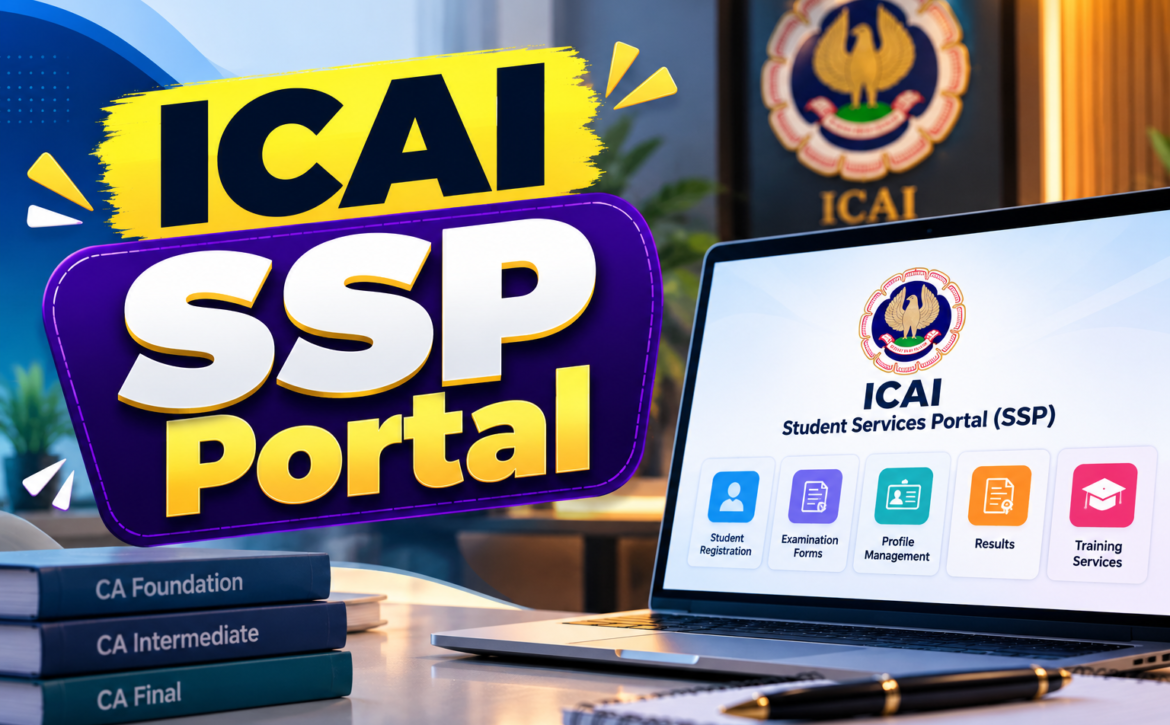
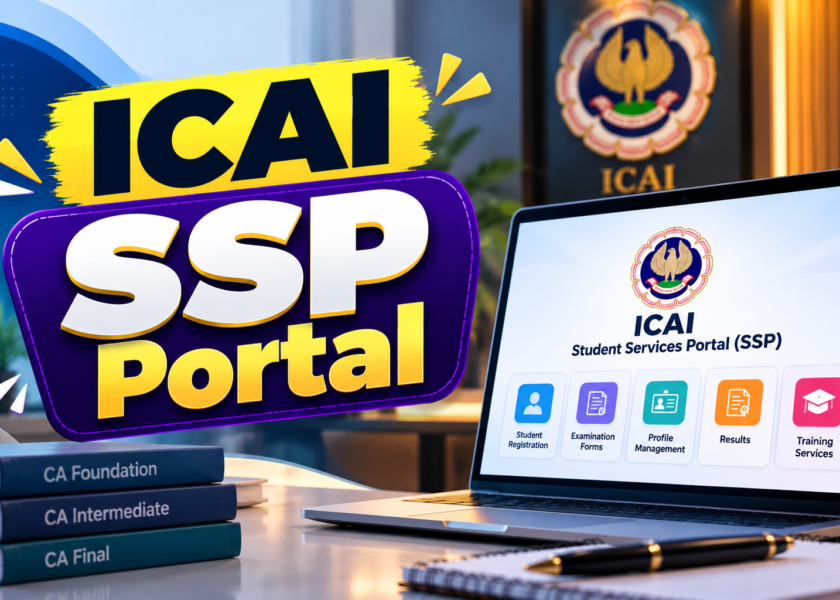
If you are pursuing Chartered Accountancy, there is a good chance you will need to use the ICAI SSP Portal at several stages of your journey. From managing student-related services to handling articleship applications, the portal is an important part of the administrative process associated with the CA course.
However, first-time users often have questions. Where should they log in? How can a new student create an account? What should they do if they forget their password? How can they check an application or get help when a service is not working?
The ICAI SSP Portal, also known as the Institute of Chartered Accountants of India’s Self Service Portal, brings several services for students, members and firms into an online platform. It reduces the need to handle many administrative requests through separate offline processes, although certain procedures may still require additional verification or action.
What Is the ICAI SSP Portal?
The ICAI Self Service Portal is an online platform operated by the Institute of Chartered Accountants of India (ICAI). It provides digital access to a range of administrative services related to the Chartered Accountancy profession.
Students can use the portal for relevant course and registration services. Members and firms can access their respective services through the appropriate modules.
The services displayed on your account depend on your user category, registration status and the particular functionality made available by ICAI.
The official portal is available here:
ICAI SSP Portal Login – Official Website
Always use the official ICAI domain when entering your login credentials. Avoid third-party websites that claim to provide access to your SSP account.
Who can use the SSP Portal?
| User category | Typical purpose |
| CA students | Student registration and other applicable student services |
| Articleship trainees | Practical training-related applications and services |
| Chartered Accountants | Membership and other applicable professional services |
| CA firms | Firm-related services available through the relevant module |
Not every service is available to every user. If a particular option does not appear on your dashboard, check your registration status and the latest ICAI instructions before assuming that your account has an error.
How to Access the ICAI SSP Portal Login Page
The easiest way to access the portal is through ICAI’s official e-services website.
Follow these steps:
- Open the official ICAI SSP Portal.
- Locate the relevant login option for your user category.
- Enter the user ID or registration details requested on the screen.
- Enter your password and complete any displayed security verification.
- Sign in to access the services available to your account.
Depending on your account type and the current login interface, the portal may display options for first-time users, existing users who need to create login credentials, or users who need to retrieve their password.
Follow the instructions displayed on the live portal rather than relying entirely on older screenshots. ICAI can update the interface and login process over time.
Important: Your ICAI registration number and your portal login credentials serve different purposes in some situations. Enter the exact information requested in the relevant field.
How to Register as a New Student on the ICAI SSP Portal
Students who are beginning the CA course may need to complete their registration through the applicable ICAI student registration process.
The exact steps depend on the course, eligibility route and current registration workflow. A student registering for Foundation may follow a different route from an eligible graduate entering through the Direct Entry route.
For a new student, the general process is as follows.
Step 1: Open the official registration facility
Visit the ICAI SSP Portal and select the option intended for first-time student registration, where applicable.
Step 2: Enter the required personal details
Provide the details requested in the application. These may include your name, date of birth, contact information and educational details.
Make sure the information matches your supporting documents.
Step 3: Select the appropriate course or registration route
Choose the course and entry route applicable to your eligibility. Read the current ICAI instructions before proceeding.
Step 4: Upload the required documents
Upload the documents requested by the portal in the specified format and size. Depending on the application, these may include educational certificates, photographs, signatures or identity-related documents.
The actual document requirements should be verified against the relevant registration instructions.
Step 5: Review and submit the application
Check your personal details, selected course and uploaded documents before submitting the form. Correcting an error after submission may require additional action.
Step 6: Complete payment, where applicable
If a registration fee is payable, follow the portal’s payment instructions and retain the payment confirmation.
Step 7: Track the application
Check the application status through the available portal options. Keep any acknowledgement or reference number provided during submission.
A submitted application does not necessarily mean registration has been approved. Follow any additional instructions shown by ICAI.
For further guidance, visit the ICAI Students Services page.
Important Services Available Through the ICAI SSP Portal
The SSP Portal supports multiple categories of services. Understanding the purpose of each category can save time, especially when you are looking for a specific application or update.
| Service category | What users may need it for |
| Student services | Course-related registration and other student applications |
| Articleship and practical training | Relevant training registration and administrative processes |
| Membership services | Membership-related applications and profile services |
| Firm services | Services applicable to registered CA firms |
| Profile and account management | Updating eligible details and managing login access |
| Support and ticketing | Reporting eligible technical or service-related issues |
The availability of a particular function depends on the user’s account and ICAI’s current procedures.
Student registration and course-related services
Students may use the portal for applicable course registration and other administrative requirements. If you are moving from one stage of the CA course to another, check the relevant eligibility and registration instructions before submitting an application.
Articleship-related services
Practical training is an important stage of the CA course. The portal supports relevant articleship-related processes, subject to the applicable rules and workflows.
Students should carefully verify details such as registration information, training dates and the particulars requested in their applications.
ICAI also provides an E-Diary facility for applicable articleship trainees. The official manual explains the E-Diary process, including attendance submissions and stipend-related entries.
Official PDF: ICAI E-Diary User Manual
The manual notes that E-Diary applies to eligible fresh articleship registrations commencing on or after 1 January 2026 and approved by the member. Check the current instructions for your specific case.
Membership and firm services
Members and firms can access their relevant modules for eligible professional and administrative requirements. These services are distinct from student functions, so the options available to a member may differ considerably from those displayed in a student account.
ICAI provides separate support channels for student, articleship, member and firm-related issues.
ICAI SSP Portal Password Reset: What to Do If You Cannot Log In
Forgetting a password is a common problem, particularly when students do not use the portal regularly.
Before trying multiple passwords, use the official password-recovery facility.
- Visit the ICAI SSP Portal.
- Select the available Forgot Password option.
- Enter the information requested by the portal.
- Complete any OTP or verification step displayed.
- Follow the instructions to reset your password.
- Return to the login page and try signing in again.
The precise recovery process may vary according to your account type and the portal’s current interface.
What if the password reset OTP does not arrive?
First, check whether your registered email address or mobile number is accessible and correct. Review your spam folder if an email verification message is expected.
Avoid requesting multiple OTPs in rapid succession. Wait for the stated delivery period and follow the portal’s instructions.
If the problem continues, use the relevant official support channel listed on ICAI’s SSP helpdesk page.
What if your registered email address or mobile number is no longer accessible?
Do not create another account using different personal details unless ICAI specifically instructs you to do so.
Instead, contact the appropriate support team and explain that you cannot access the registered contact details. You may be asked to complete identity verification or follow another official procedure.
Common ICAI SSP Portal Problems and Their Solutions
Not every login problem is caused by an incorrect password. Some issues arise from incomplete registration, outdated contact details, temporary technical problems or an application that needs further processing.
The following table provides a practical starting point.
| Problem | What you should try |
| Incorrect user ID or password | Recheck the login details and use password recovery if necessary |
| OTP not received | Verify registered contact details and retry after a reasonable interval |
| Account not accessible after registration | Check whether registration has been confirmed and login credentials have been created |
| Application status not updated | Review the acknowledgement and follow the portal’s instructions |
| Required service not visible | Check your account category, registration status and eligibility |
| Payment completed but status pending | Retain the transaction reference and check the portal before attempting payment again |
| Technical error or blank page | Try a current browser, enable JavaScript and retry later |
| Personal details are incorrect | Follow the official correction process for the relevant record |
A note about payment problems
If a payment appears to have failed, do not immediately make another payment without checking the transaction status. Save the transaction reference, payment confirmation and any error message.
If the amount has been debited but the application still shows a pending status, contact the relevant support team with the available evidence.
How to raise a support ticket
ICAI provides guidance for raising support tickets and checking their status.
Start with the official page:
You can also consult the ICAI SSP FAQs and support resources.
Choose the support option relevant to your issue, describe the problem clearly and include the details requested by ICAI. Avoid sending passwords or OTPs in support messages.
Official ICAI Support Email IDs for SSP Issues
One useful detail that many general SSP guides overlook is that ICAI has separate email addresses for different categories of issues.
According to ICAI’s official SSP helpdesk information, the following channels are available.
| Issue category | Official support email |
| Student-related issues | ssp.student@icai.in |
| Articleship-related issues | ssp.article@icai.in |
| Member-related issues, excluding firms | ssp.member@icai.in |
| Firm-related issues | ssp.firm@icai.in |
| Login-related issues | ssp.login@icai.in |
You can verify these addresses on the official ICAI SSP Helpdesk page.
ICAI has also published a notice stating that ssp.helpdesk@icai.in was scheduled for deactivation from 15 August 2026. Therefore, users should use the relevant domain-specific address rather than relying on the older general helpdesk email.
When writing to support, include your name, relevant registration or application reference, a short explanation of the problem and a screenshot if it helps explain the error. Never include your password or OTP.
ICAI SSP Portal vs Other ICAI Online Portals
ICAI operates several online platforms, and it is easy to confuse them when you are new to the CA course.
The SSP Portal is not the only online facility students use. Some platforms have separate purposes and may require their own registration or login steps.
| Platform | Primary purpose |
| SSP Portal | Student, articleship, membership and firm-related administrative services |
| ICAI Students Services | Central information page linking students to ICAI facilities |
| Board of Studies Knowledge Portal | Learning resources and study material |
| ICAI Digital Learning Hub | Digital learning and related educational services |
| ICAI E-Diary | Applicable articleship attendance and related training records |
For example, the ICAI Digital Learning Hub provides a learning-focused environment. Its login and registration instructions should be followed separately where applicable.
Similarly, the ICAI Students Services page is useful when you need to find the correct official portal for a particular task.
Choosing the right portal matters because a service such as examination preparation or learning material may not be managed through the same screen as a student registration application.
Tips for Using the ICAI SSP Portal Safely and Efficiently
A few simple habits can make your experience with the portal much smoother.
Keep your registered contact details accessible. Email and mobile verification may be needed for login recovery or other administrative processes.
Save application acknowledgements. Keep copies of submitted forms, payment receipts and reference numbers until the process is complete.
Check details before submission. A small spelling error or incorrect date can create avoidable administrative work.
Use official sources for deadlines. Do not depend on social media posts or old articles when a registration deadline or procedure is important.
Protect your login credentials. Never share your password or OTP with another person claiming to provide portal assistance.
Keep track of pending applications. Check the status of submitted requests and respond to any additional requirements displayed by ICAI.
Read the relevant user manual. Official guides often explain specific procedures more accurately than generic step-by-step articles.
How CAMentoringProgram.org Can Support Your CA Journey
Administrative tasks are only one part of preparing for the CA qualification. Students also need a consistent study routine, regular revision and sufficient question practice.
CAMentoringProgram.org can be explored as an additional resource for CA-related learning and mentoring support.
A useful approach is to manage your administrative work and examination preparation separately. Keep your registration details and application acknowledgements organised, while maintaining a study schedule that covers your subjects, mock tests and revision targets.
If you are preparing for CA Foundation, Intermediate or Final, use ICAI’s official announcements and prescribed study material to confirm examination requirements. Supplement those resources with suitable learning support when you need help understanding concepts or planning your preparation.
Remember that a mentoring or coaching resource complements the official registration process; it does not replace ICAI’s rules, portal instructions or formal application requirements.
Conclusion
The ICAI SSP Portal is an important online facility for CA students, articleship trainees, Chartered Accountants and firms. Understanding how to access the portal, manage login credentials and locate the right service can save time throughout the CA journey.
New students should follow the applicable registration process carefully, while existing users should keep their account details updated and retain records of important applications. If a login or technical issue arises, the official support resources and domain-specific email addresses provide a reliable starting point.
Most importantly, always verify registration requirements, deadlines and procedural changes through ICAI’s official website. This helps you avoid outdated instructions and complete your administrative work with greater confidence.